File:Mac OS Oni display selector.png


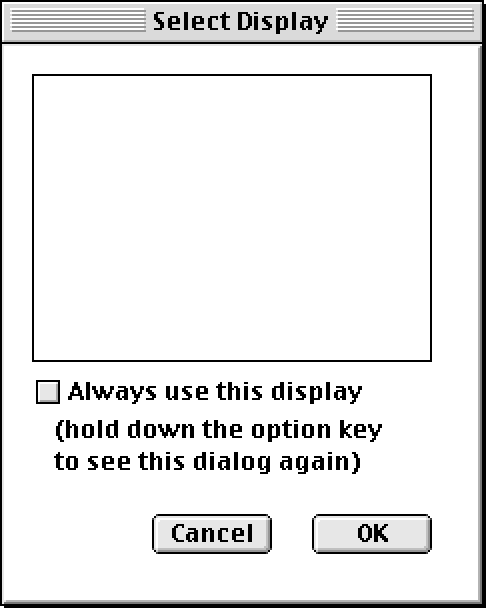
Size of this preview: 479 × 599 pixels. Other resolution: 486 × 608 pixels.

Original file (486 × 608 pixels, file size: 10 KB, MIME type: image/png)
Summary
In the Classic Mac OS, Oni would present this dialog box at startup if you had more than one monitor. No other version of Oni would support display-picking until the Intel Mac build came along. This, coupled with the keybinding dialog, made this the most convenient version of Oni to play.
File history
Click on a date/time to view the file as it appeared at that time.
| Date/Time | Thumbnail | Dimensions | User | Comment | |
|---|---|---|---|---|---|
| current | 21:35, 6 December 2025 | | 486 × 608 (10 KB) | Iritscen (talk | contribs) | more or less pixel-perfect recreation, thanks to authentic reference footage from zerg |
| 01:57, 3 December 2025 | 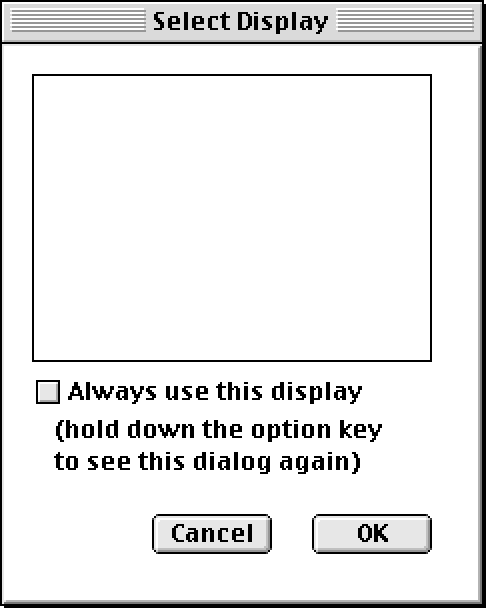 | 486 × 608 (9 KB) | Iritscen (talk | contribs) | whited out the display picking area because I think it looked more like this when it appeared; the dot pattern was a placeholder in ResEdit | |
| 01:56, 3 December 2025 | 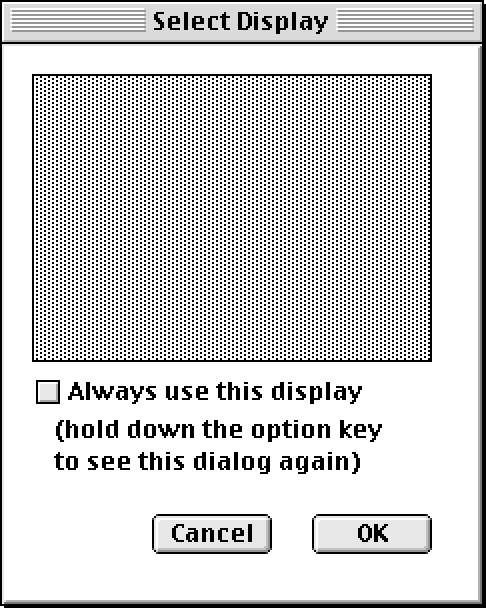 | 486 × 608 (10 KB) | Iritscen (talk | contribs) | In the Classic Mac OS, Oni would present this dialog box at startup if you had more than one monitor. No other version of Oni would support display-picking until the Intel Mac build came along. This, coupled with the keybinding dialog, made this the most convenient version of Oni to play. Category:Out-of-game UI screenshots |
You cannot overwrite this file.
File usage
There are no pages that use this file.
